Description
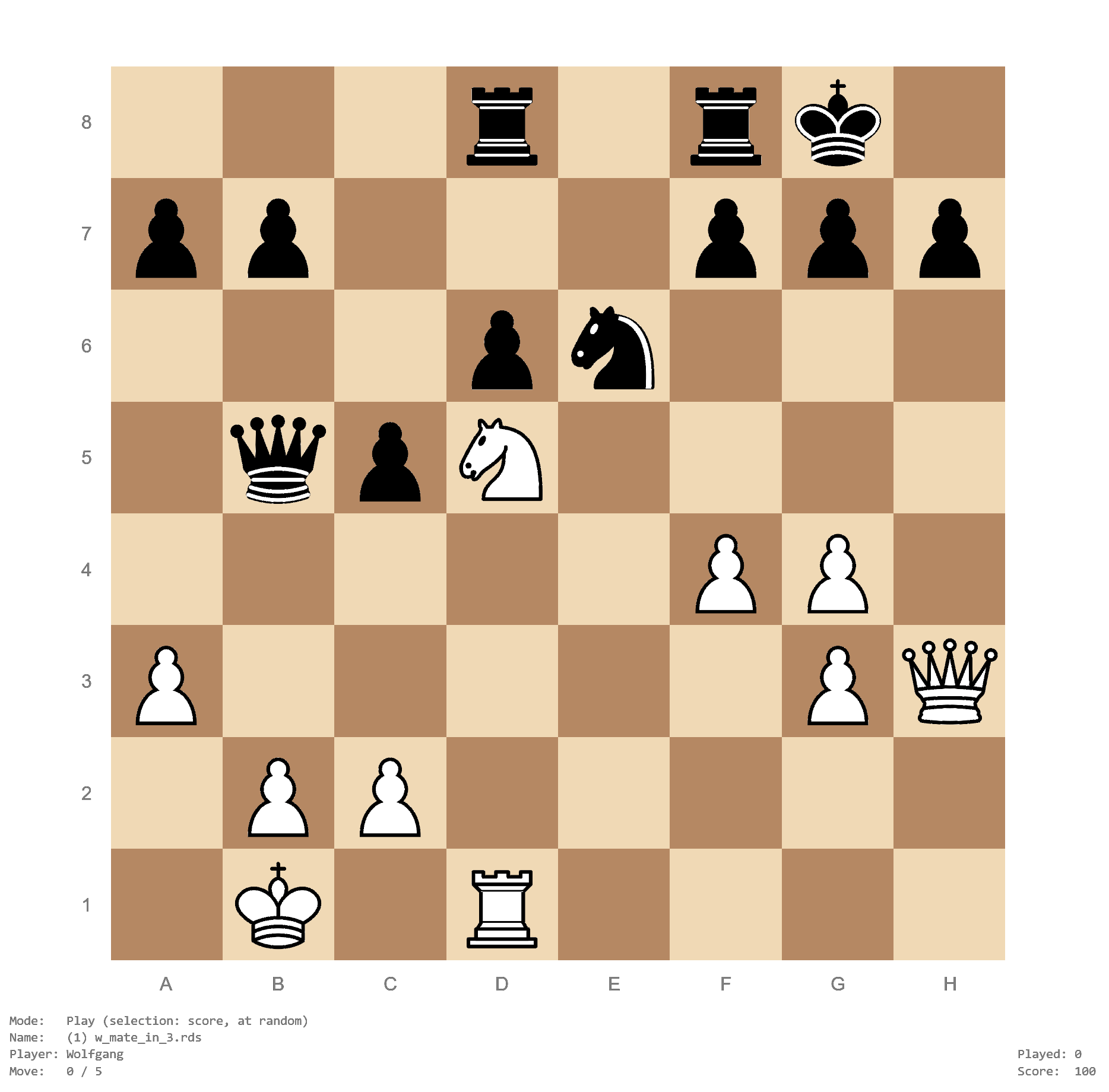
The main purpose of the chesstrainer package is to create sequences of moves (lines), save them, and then test yourself on these sequences by repeating the moves from memory. This is especially useful for training openings, but can also be used for creating chess puzzles or training tactics. Can you find the forced mate below?
Features
- provides an add mode for entering sequences and a test mode to practice these sequences
- tracks your performance history for each sequence
- presents sequences randomly with higher probabilities for those with poorer performance
- alternatively can choose sequences based on play frequency, last play date, or difficulty
- automatically repeats sequences when a wrong move was made
- can add comments to sequences or particular moves (e.g., to name variations, provide hints, or other information)
- can add annotations (arrows, circles, and glyphs) to sequences
- select sequences to practice based on their name, performance, play frequency, last play date, or moves/position
- a timed mode can be used to practice sequences under time pressure
- a board editor allows quickly setting up advanced starting positions or chess puzzles
- can be used with multiple players (performance is tracked separately for each player)
- recognizes known openings with their ECO code and name
- recognizes move transpositions
- when Stockfish is installed:
- automatically obtain and show position evaluations for each move in a sequence
- show the best move(s) for a given position
- can play against Stockfish in ‘play mode’
- can query the Lichess games database and obtain Lichess cloud evaluations
- can adjust colors, text sizes, and various other settings
- can manage multiple sequence directories
- can toggle the language (English or German)
- can play move and capture sounds
- keeps track of your session history
Installation
The development version of the chesstrainer package can be installed with:
install.packages("remotes")
remotes::install_github("wviechtb/chesstrainer")
The same commands can also be used to update the package to the latest version.
Play
To start playing, first load the package with library(chesstrainer) and then type: play(). For an introduction, type: help(chesstrainer) or you can read the documentation online here.
For Non-R Users
If you are not an R user, but still would like to use the trainer, you will first have to install R, which is freely available from the Comprehensive R Archive Network. Once R is installed, start up R and then enter the commands above for installing the package after the prompt (>) on the ‘R Console’. If you are asked whether to use/create a personal library, answer ‘Yes’. If you are asked for a download location, you can select the first choice. Once the package is installed, type library(chesstrainer) to load the package and play() to start the trainer.
Why R?!?
It is indeed unusual to write such an application in R, which is primarily a programming language for statistical computing and data visualization (you can read more about R on the R project homepage or on Wikipedia). While interactive applications have already been developed with R using external frameworks such as Shiny and Tcl/Tk, the chess trainer started as a proof-of-concept study to explore whether full-featured interactive applications could be built using ‘base R’ alone (i.e., relying exclusively on R’s built-in capabilities). After developing an early prototype and recognizing its potential, the project quickly spiraled out of control, eventually evolving into the current package, whose functionality is comparable to that of similar commercial offerings.
Meta
The chesstrainer package was written by Wolfgang Viechtbauer. It is licensed under the GNU General Public License Version 3. To report any issues or bugs, please go here.